
Stop Guessing What Your Code Review Comments Mean
Scott Keck-Warren • July 17, 2026
You've just gotten a code review back with fifteen comments. Some say things like "what about X?" or "have you considered Y?" and you have no idea whether you need to act. Are they flagging a real problem, or were they just thinking out loud?
If you've been in this situation (and don't lie to yourself because we all have), you know the low-grade anxiety that comes with it. You don't want to merge something your reviewer hated, but you also don't want to hold up a PR for three days chasing down something they didn't care about. So you read their tone and apply everything just to be safe.
Three Categories, Three Emoji
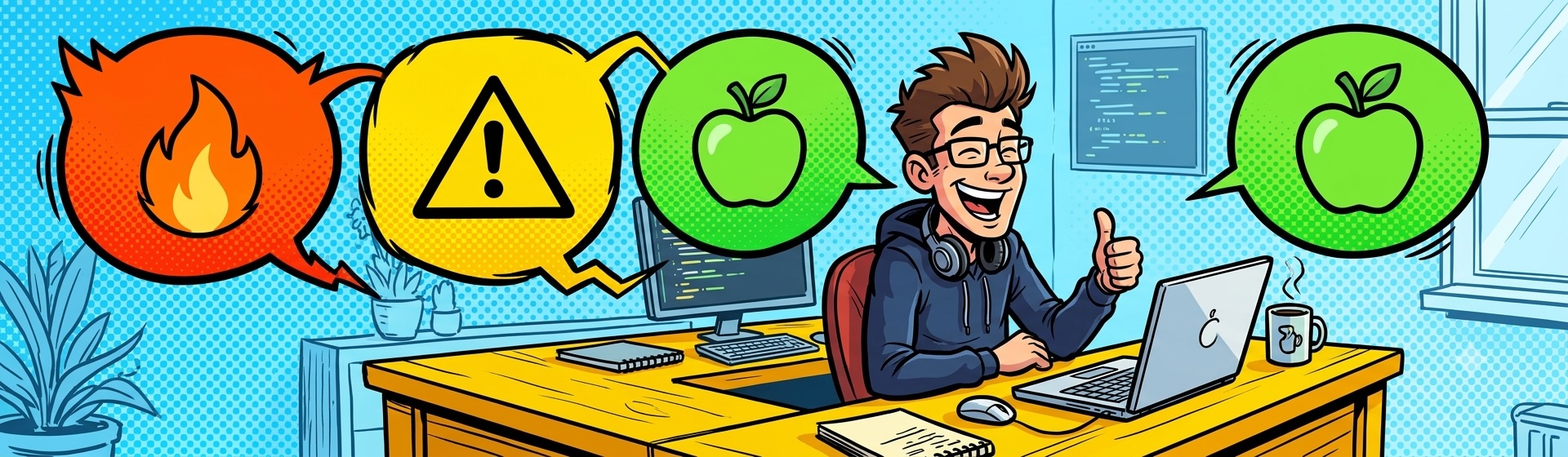
I started labeling my code review comments with one of three emojis. It sounds goofy, but it's made reviews clearer for everyone involved, including me.
** 🔥 Blockers:** This must be changed before I'll approve the PR. These are bad architectural decisions, security issues, missing test coverage, performance issues waiting to happen, or code smells bad enough that I'd be embarrassed to ship it. If you see a fire on a comment, it's not optional.
⚠️ Warnings: Something here needs discussion. Maybe I'm missing context, or I think there's a problem but can't prove it yet. The sign means: let's talk before you do anything.
🍏 Improvements: A small cleanup or a naming tweak. Take it or leave it. If you have time and you agree, great. If the sprint is on fire or you disagree, skip it with zero guilt.
I picked these emojis specifically (besides the fact that it amuses me) because they follow the red -> danger, yellow -> warning, and green -> good status that we're used to but also have distinct shapes for color blind individuals. They also have GitHub shortcuts so we can type :fire, :warning, or :greenapple in a comment and GitHub will insert the emoji without using the emoji search built into your OS.
What You're Expected to Do With Each
The emoji each map to an expected action.
A 🔥 Blocker means you must address it before we merge. No negotiation on whether to fix it, though you're welcome to push back on how to fix it or to tell me I'm wrong because I'm not always right.
A ⚠️ Warning means we need to have a conversation first. Maybe you explain the context, and it disappears. Maybe the discussion reveals a real problem, and you upgrade it to a blocker, or it becomes a cleanup for later. Either way, it doesn't close itself; someone has to close the loop.
A 🍏 Improvement means do it if you want to, skip it if you don't. I'm not tracking it, and I won't bring it up next time.
Answer Your Own Questions
For warnings that are questions with a small number of possible answers, state what each answer means before the author has to ask.
Instead of leaving a comment that says "Is this intentionally calling the external API synchronously?", write something like: "Is this intentionally calling the external API synchronously? If yes and that's a product requirement, no changes needed (this stays a warning). If no and it should be async, we have a performance problem (this becomes a blocker)."
The author reads the comment, knows the answer, and resolves it without waiting for you. That eliminates an entire back-and-forth.
This approach also works when a warning might need input from outside the engineering team. "I'm not sure if we're supposed to track this event. Can you verify with the PM? If we are, we need to add the call here (blocker). If we're not, remove the existing call on line 47 (also a blocker, just different)." The author knows what to do and who to ask, and you don't need to be in the loop for every step.
What This Does for You as an Author
On the receiving end, you know which comments require action and which ones you can skip. You stop burning time trying to read tone.
The whole thing takes maybe thirty seconds of extra effort per comment for the reviewer but has huge communication payoffs. For a process change on a development team, that's a good trade-off.